 Cuadra for Keynote
Better slides
in one click.
Everything you need for the perfect deck, right beside Keynote.
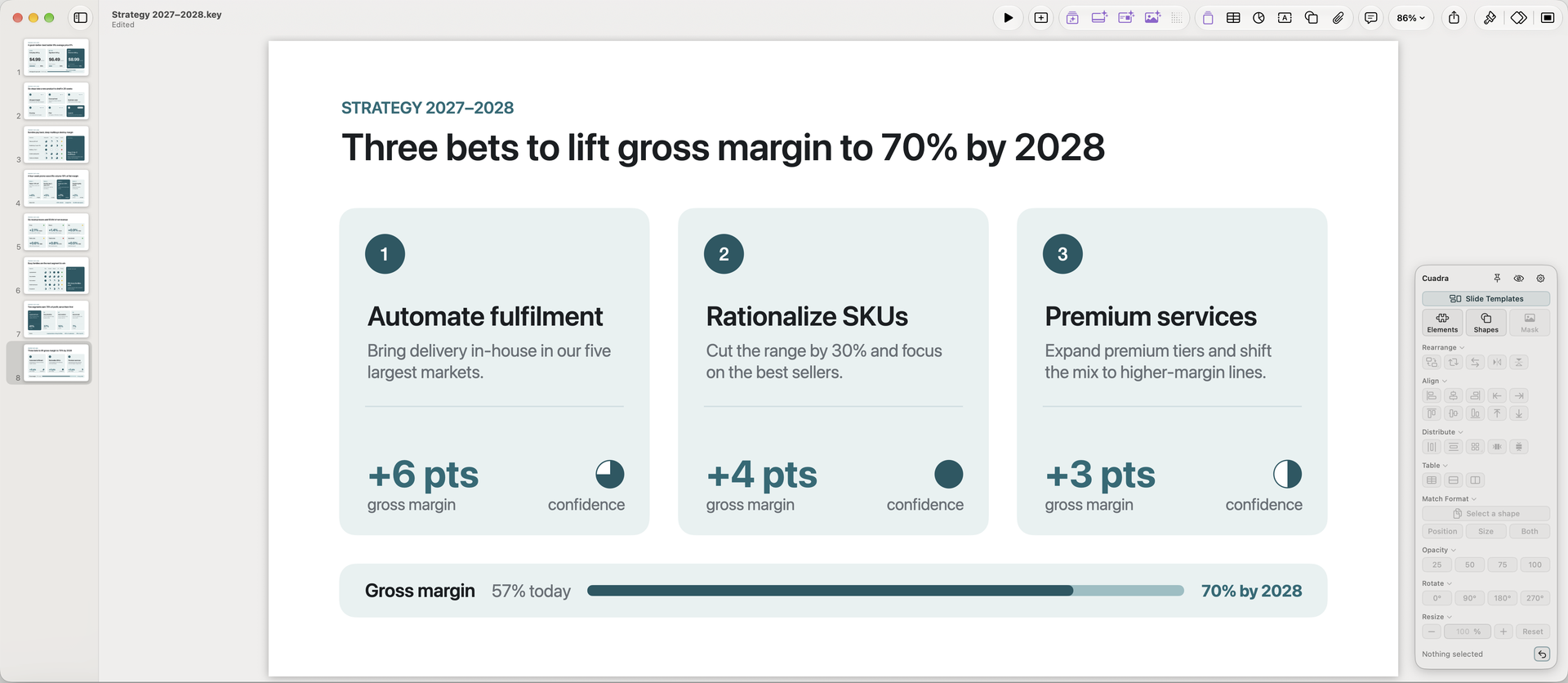
Even gaps, every time.
Align and Distribute in a single click. Stack objects together or put them in a Grid.


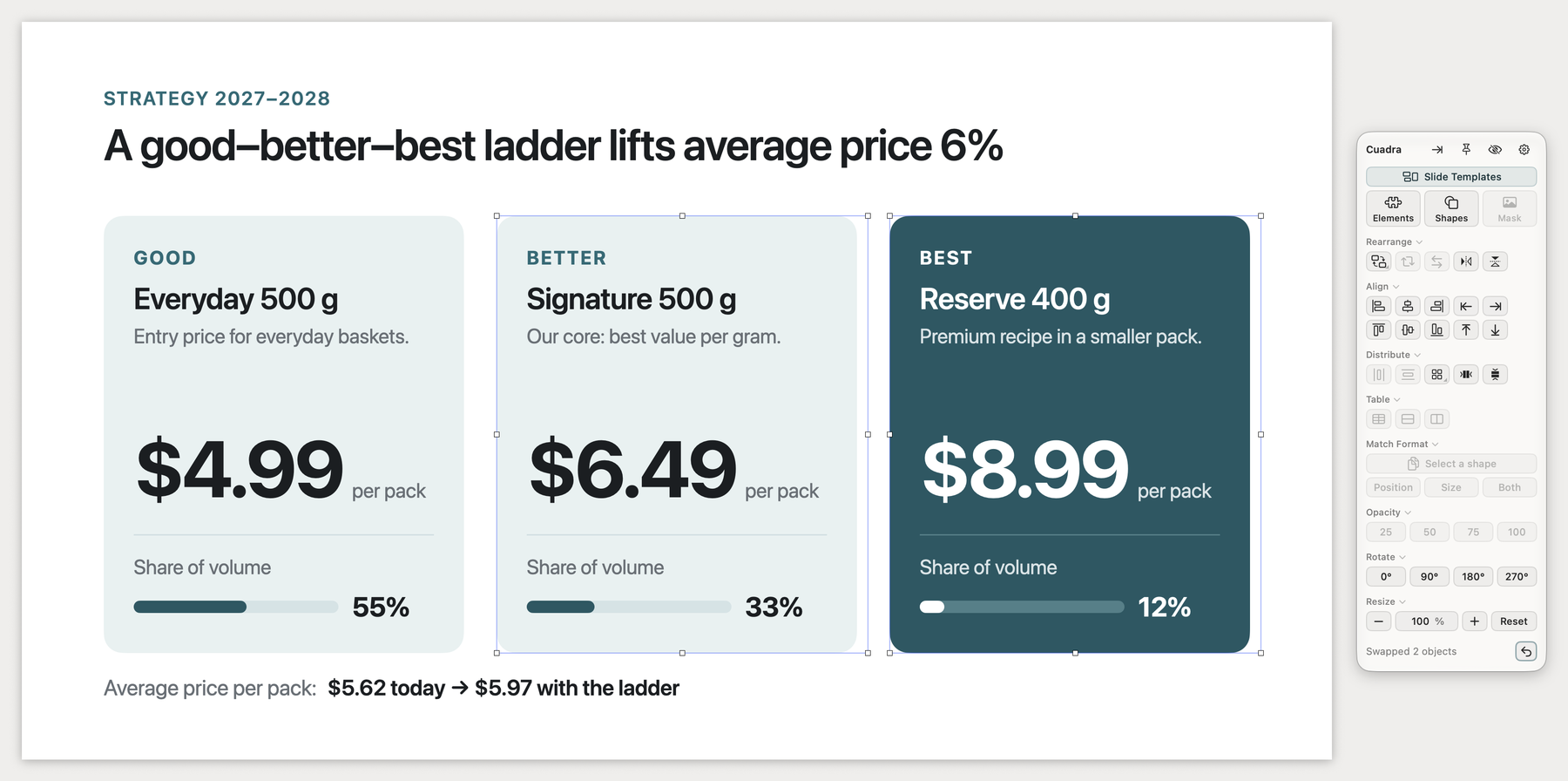
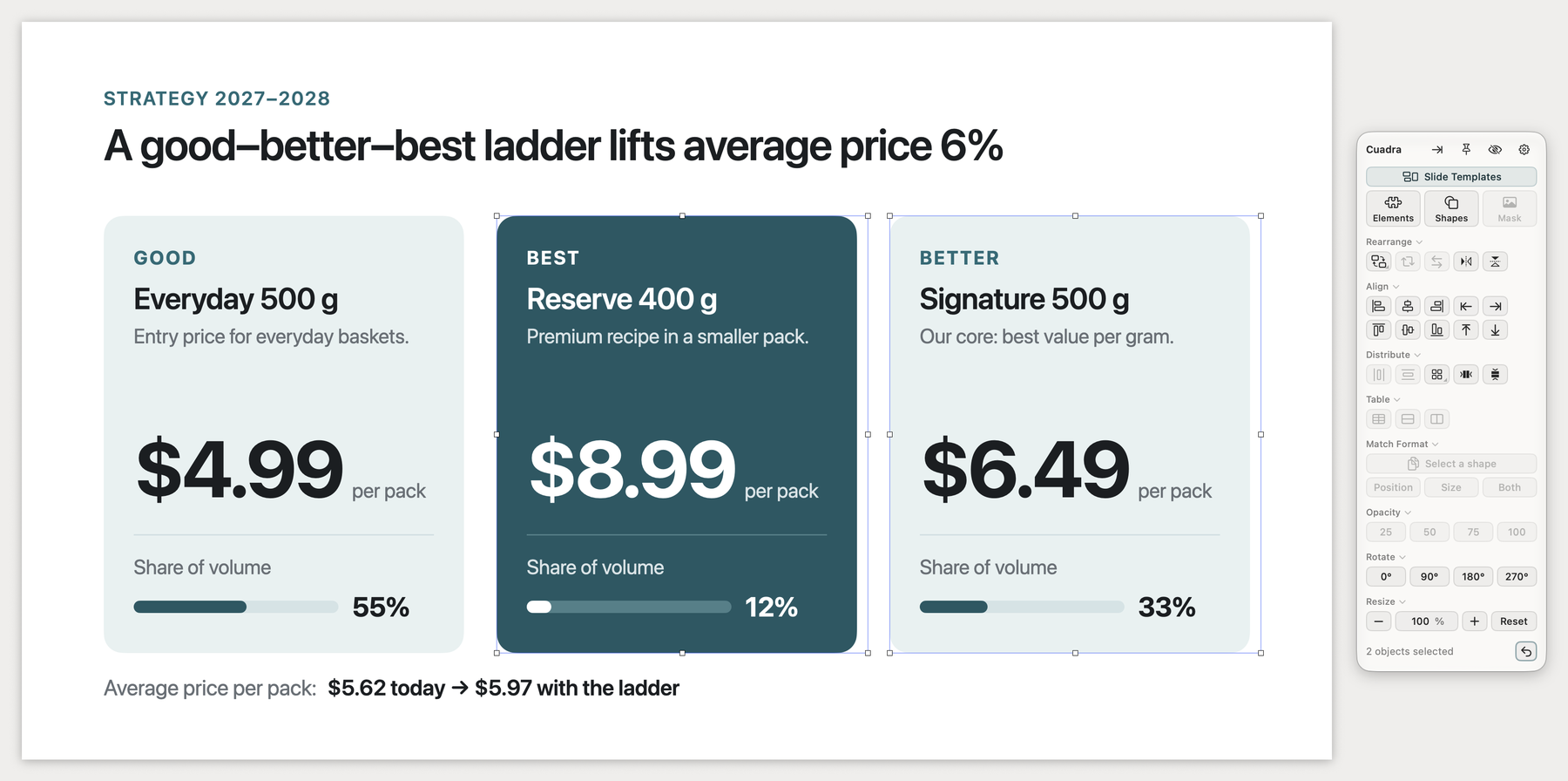
Swap places, keep the layout.
Make two objects trade places in one click with Swap.
A shape library, built in.
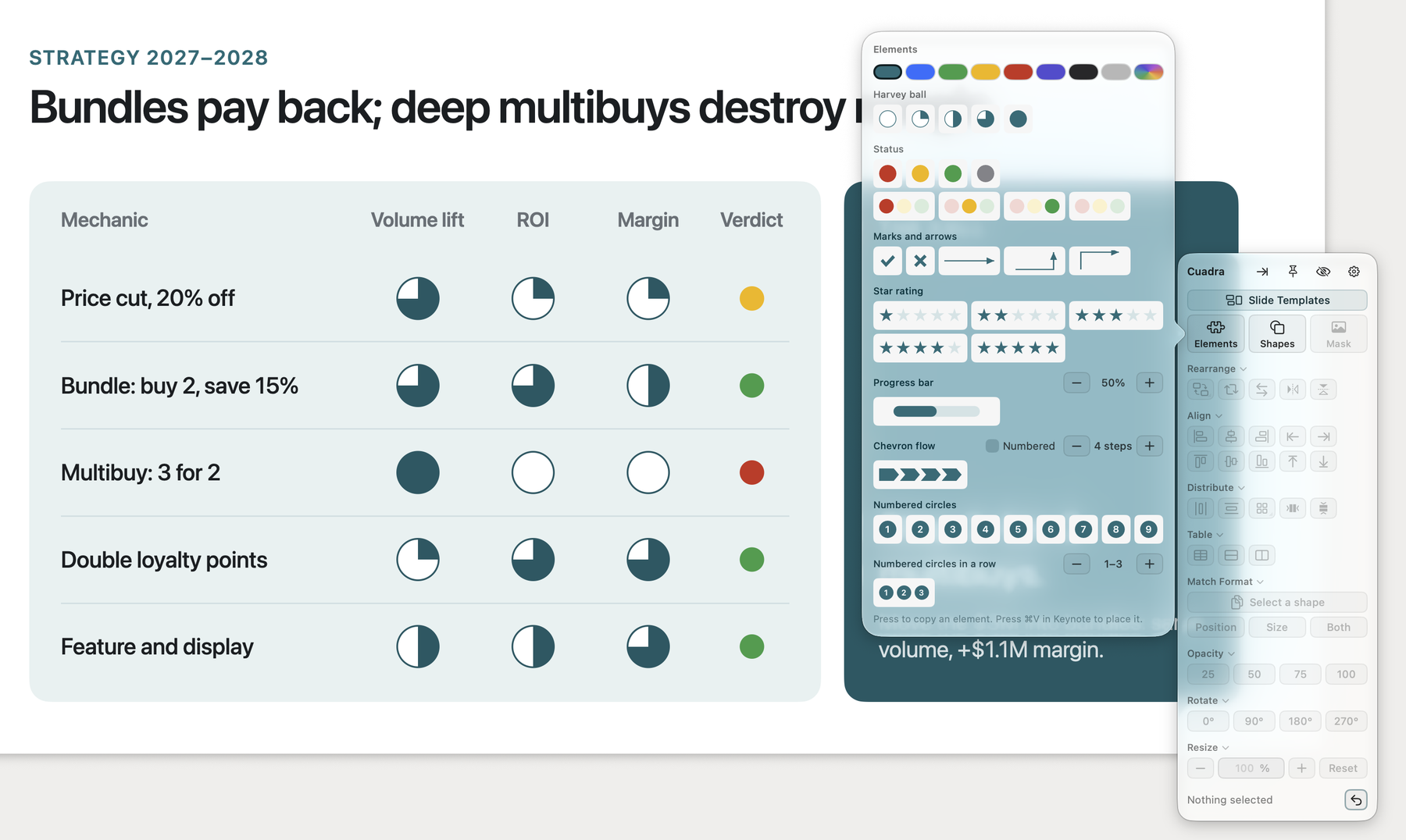
Harvey balls, status dots, chevron flows, star ratings, progress bars and numbered circles, plus 40+ shapes, all ready to use.
Your screen, your way.
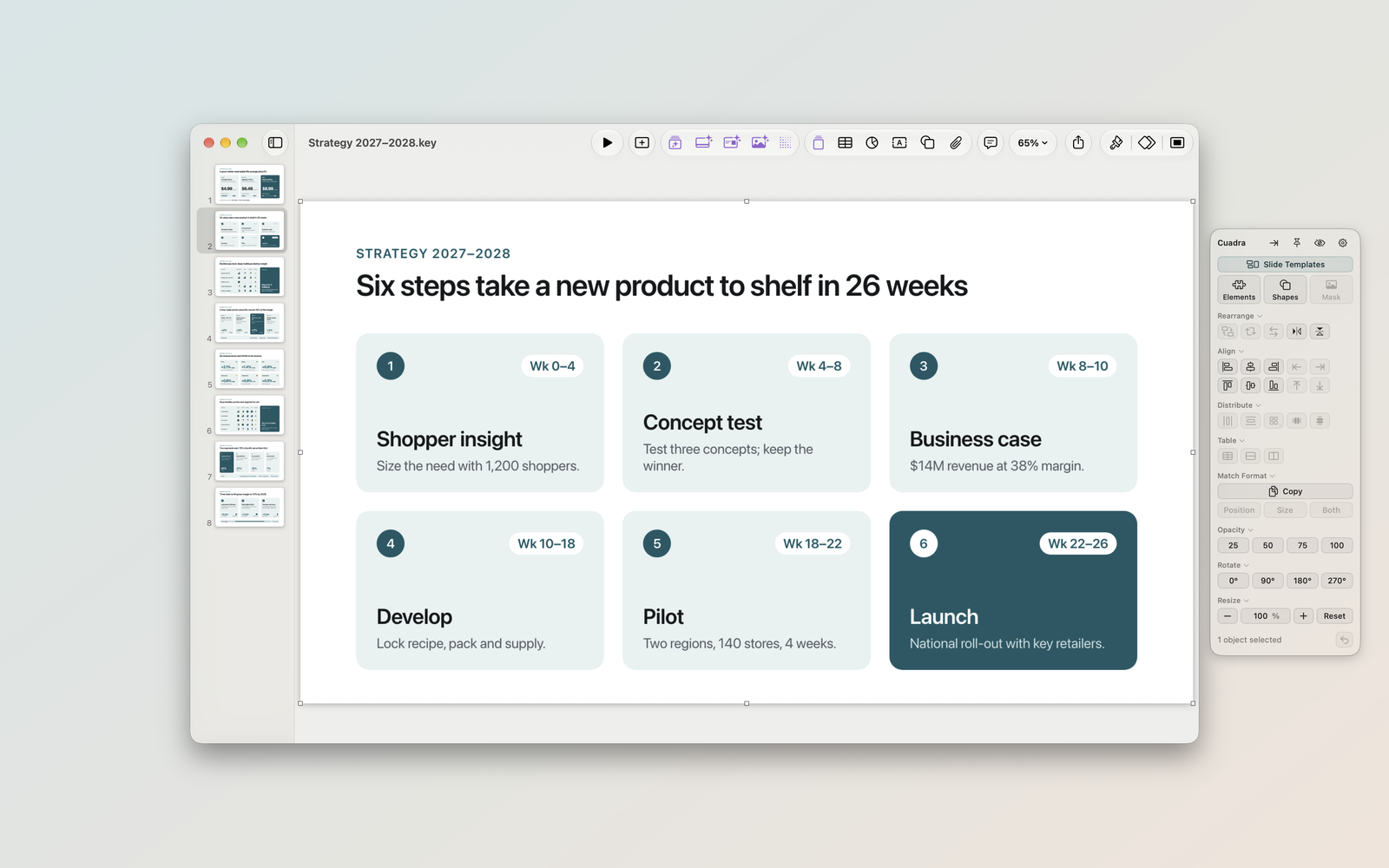
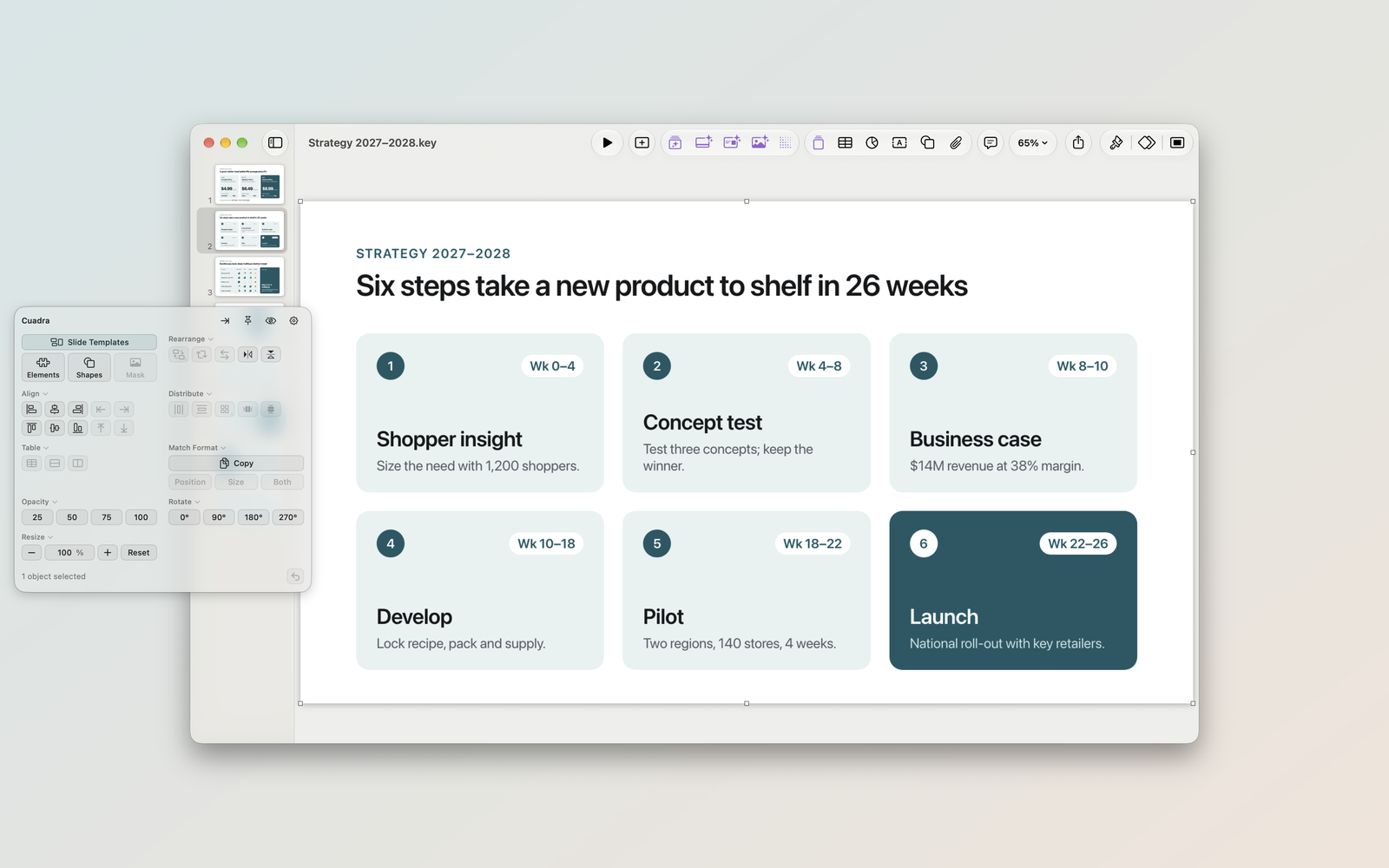
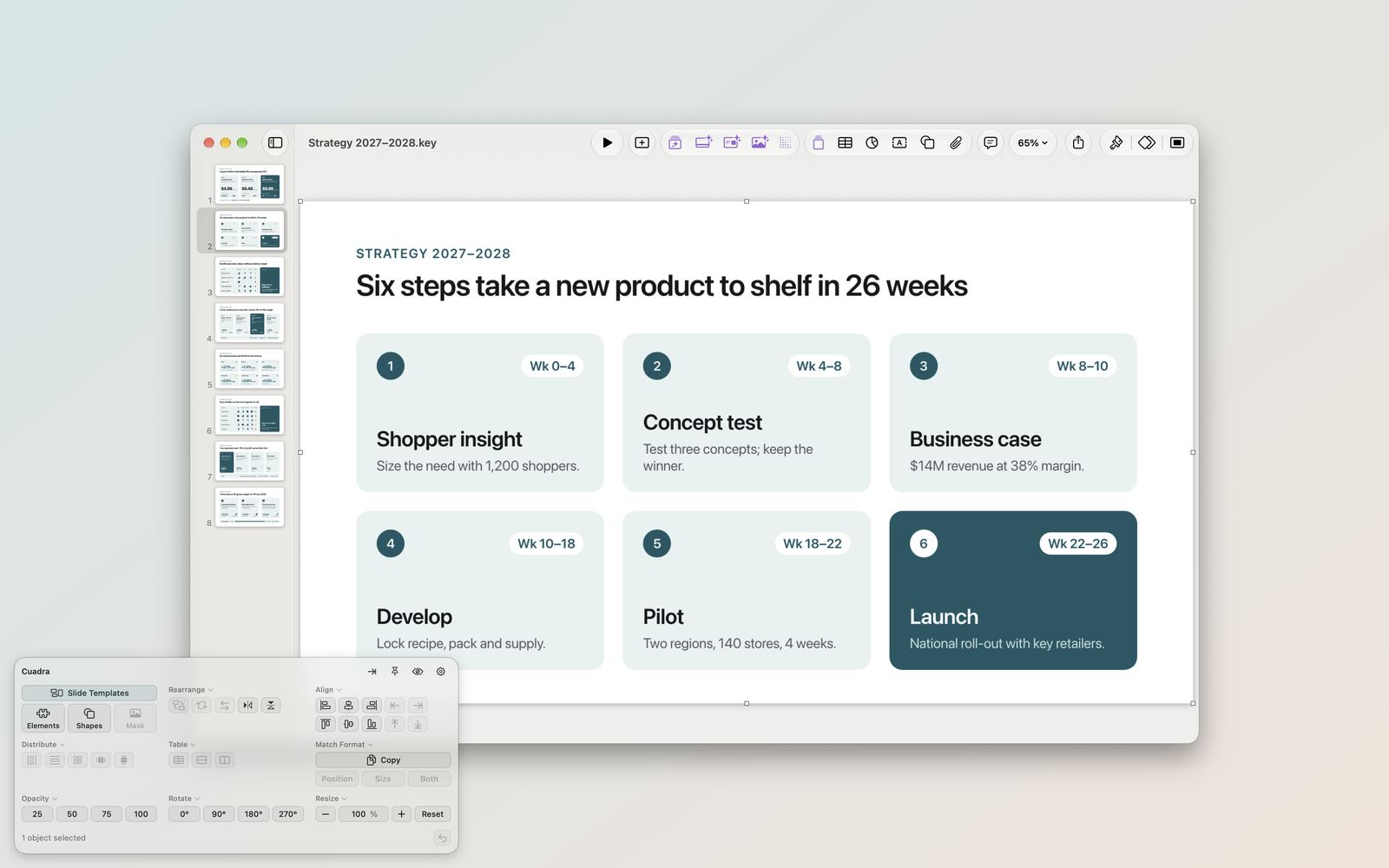
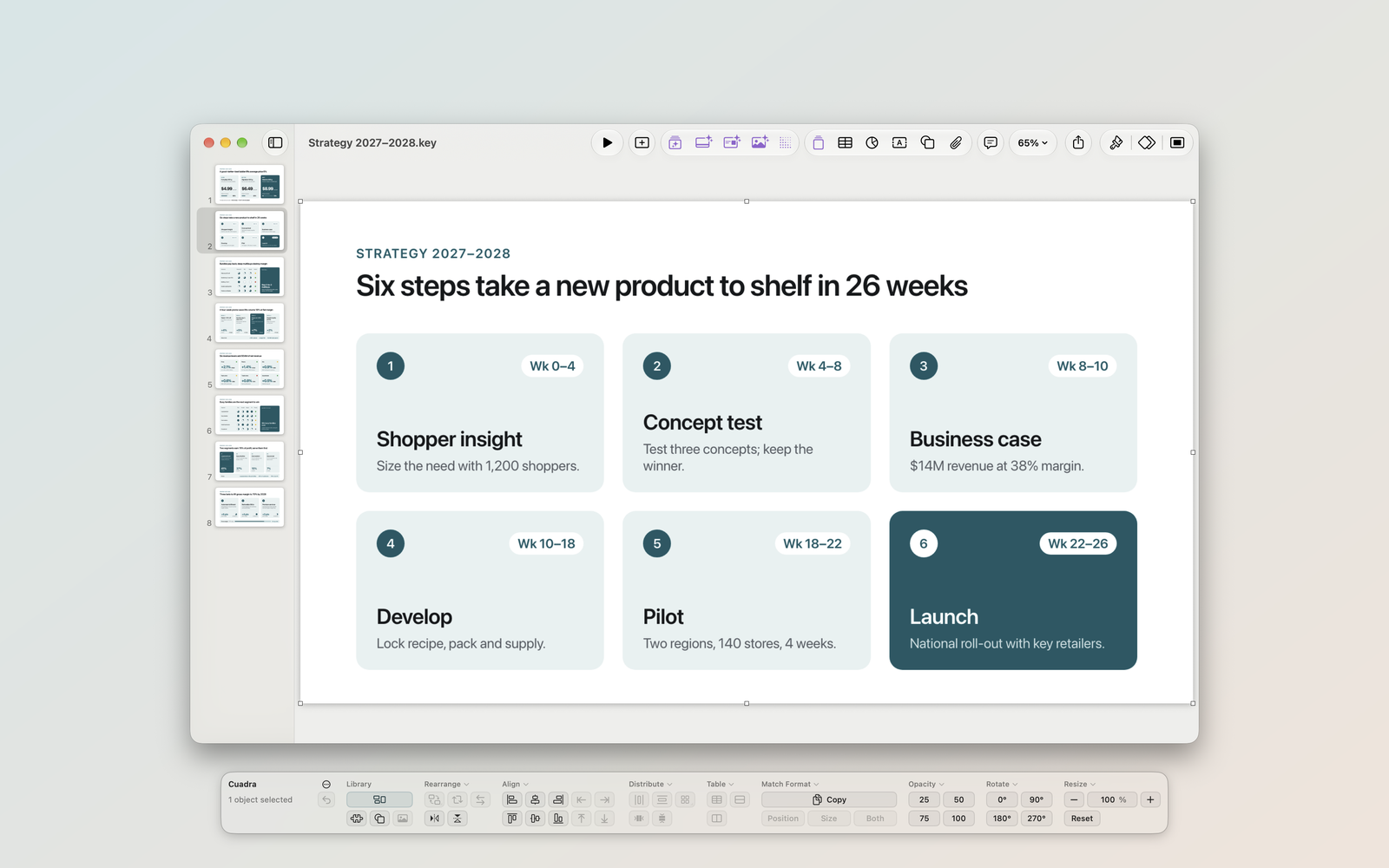
Dock it, float it, widen it, or stretch it into a ribbon. Pin it to keep it on screen, or press ⌥⌘K to hide it.
Start from a ready slide.
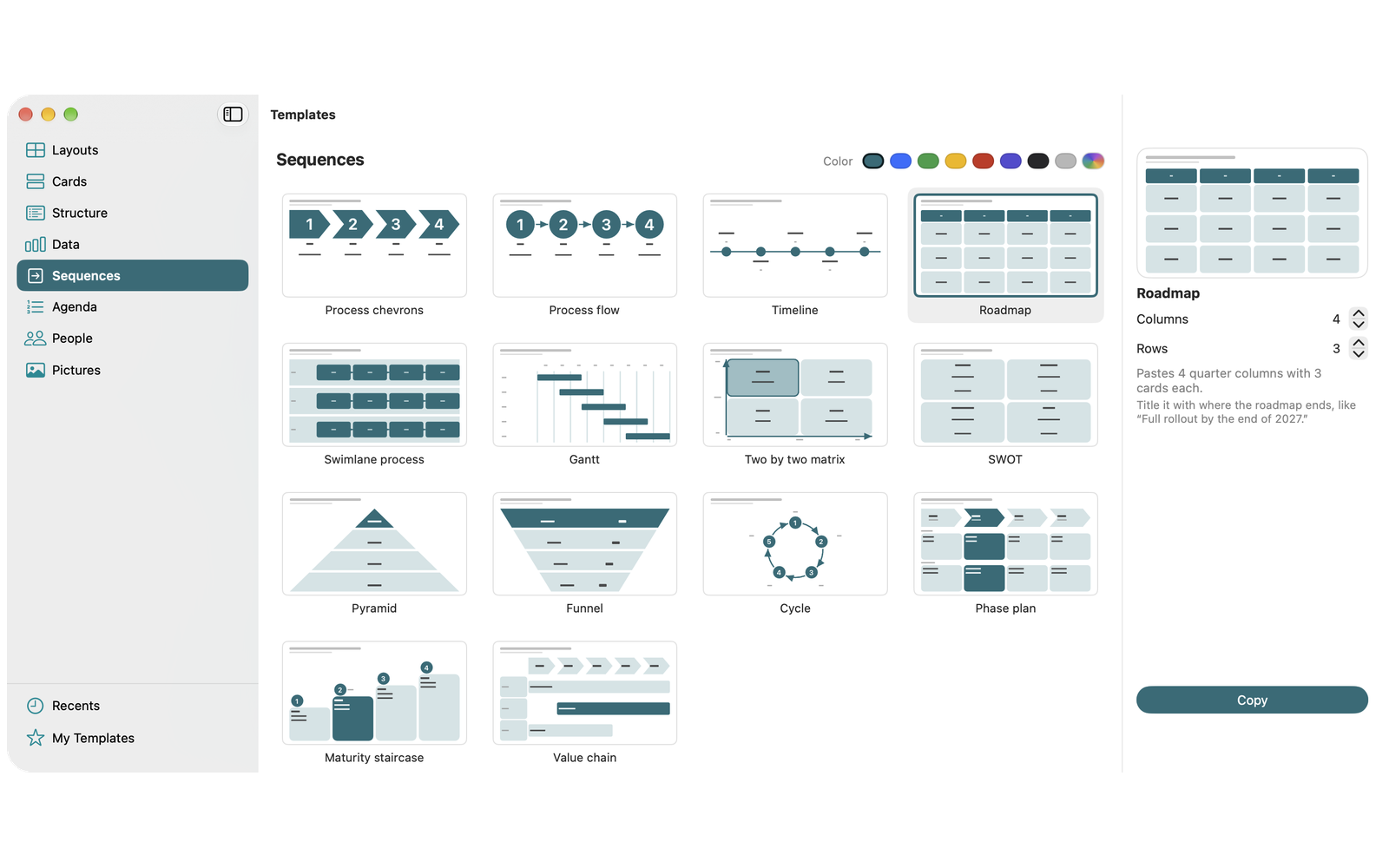
50+ slide templates at your fingertips.
Everything Cuadra does.
Swap
Put two selected objects in each other's place.
Rearrange
Shift three or more objects one place along with Cycle, or flip their order with Reverse. Mirror reflects any selection across the slide.
Align
Line up edges or centers, or a single object with the slide. Stretch pulls every object out to the furthest edge.
Distribute
Make the gaps equal across or down. Grid lays the selection out in rows and columns; Stack pushes it together.
Table
Give every row the same height with Even rows, or every column the same width with Even columns. Snap to cells centers an object in the cell it sits over.
Match Format
Copy one object's position, size or both, and give them to others.
Opacity, Rotate, Resize
Set opacity to 25, 50, 75 or 100 percent. Rotate to 0°, 90°, 180° or 270°. Resize by a percentage, text included.
Elements and shapes
Paste Harvey balls, status dots, traffic lights, star ratings, progress bars, chevron flows, numbered circles and 40+ shapes. Each one lands as a real Keynote shape you can edit.
Mask
Crop a picture to rounded or snipped corners, a circle, an oval or a flowchart shape. It lands as a Keynote mask, so you can double-click to adjust it.
Slide Templates
Start from 50+ slides in eight groups, in your deck's own fonts. Save your own templates in My Templates.
Mute All Videos in Deck
Turn off the sound of every video on every slide before you present.
Resizable panel
Make it as wide or as narrow as you like, all the way to a full-width ribbon. ⌥⌘K shows or hides it from any app.
Your slides never leave your Mac.
No account required. Cuadra works on your Mac, and your slides are never uploaded.
Try it free for 14 days.
Every feature, in both plans. Cancel any time.
Monthly
$5.99per monthYearly
$49.99per year, about $4.17 a monthSave 30% against monthly.Free trial for new subscribers only. After the trial, the plan renews automatically until you cancel.